Layer-Powered Editing
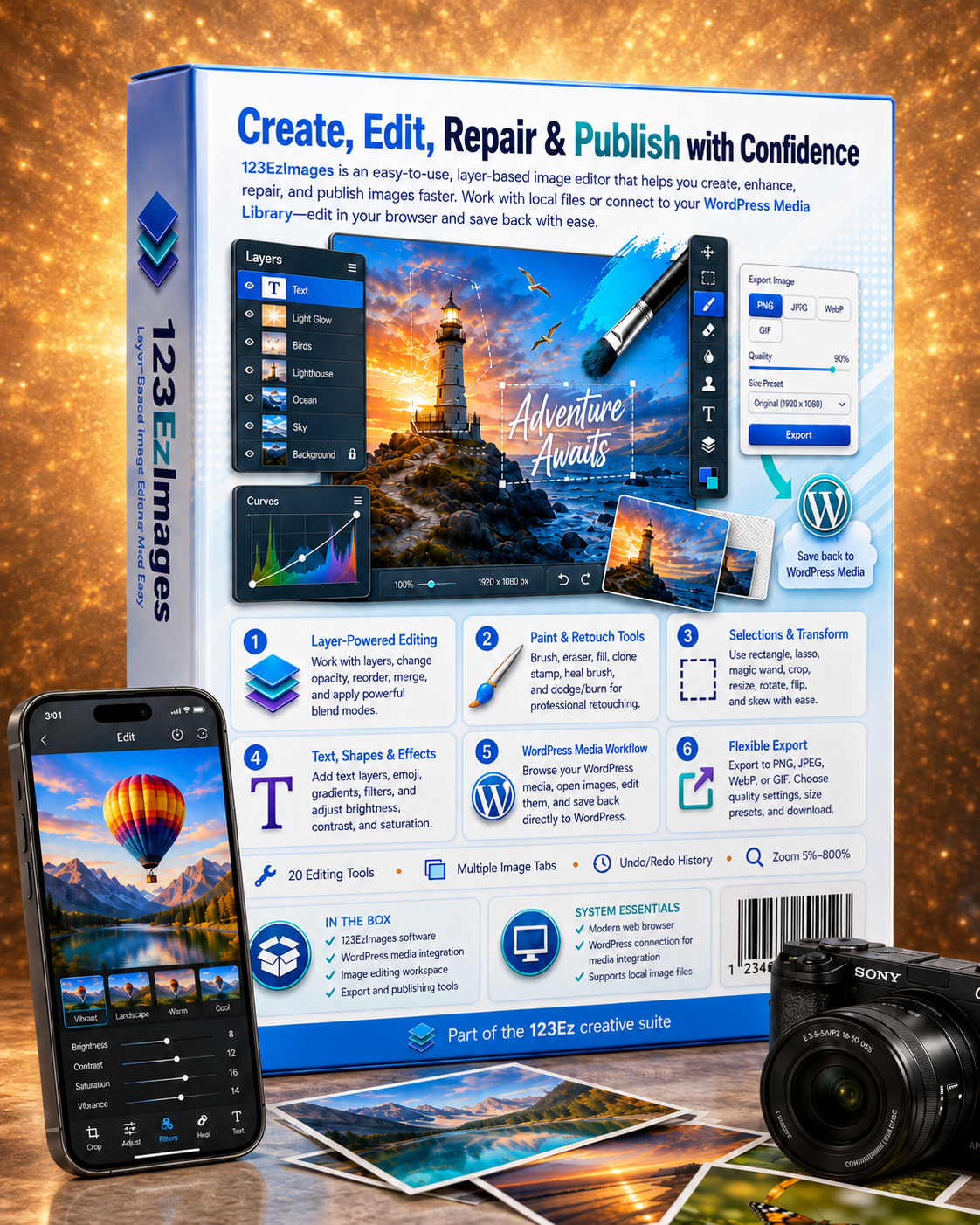
Add, reorder, hide, merge and flatten layers. Adjust opacity and combine content with 16 blend modes including Multiply, Screen and Overlay.
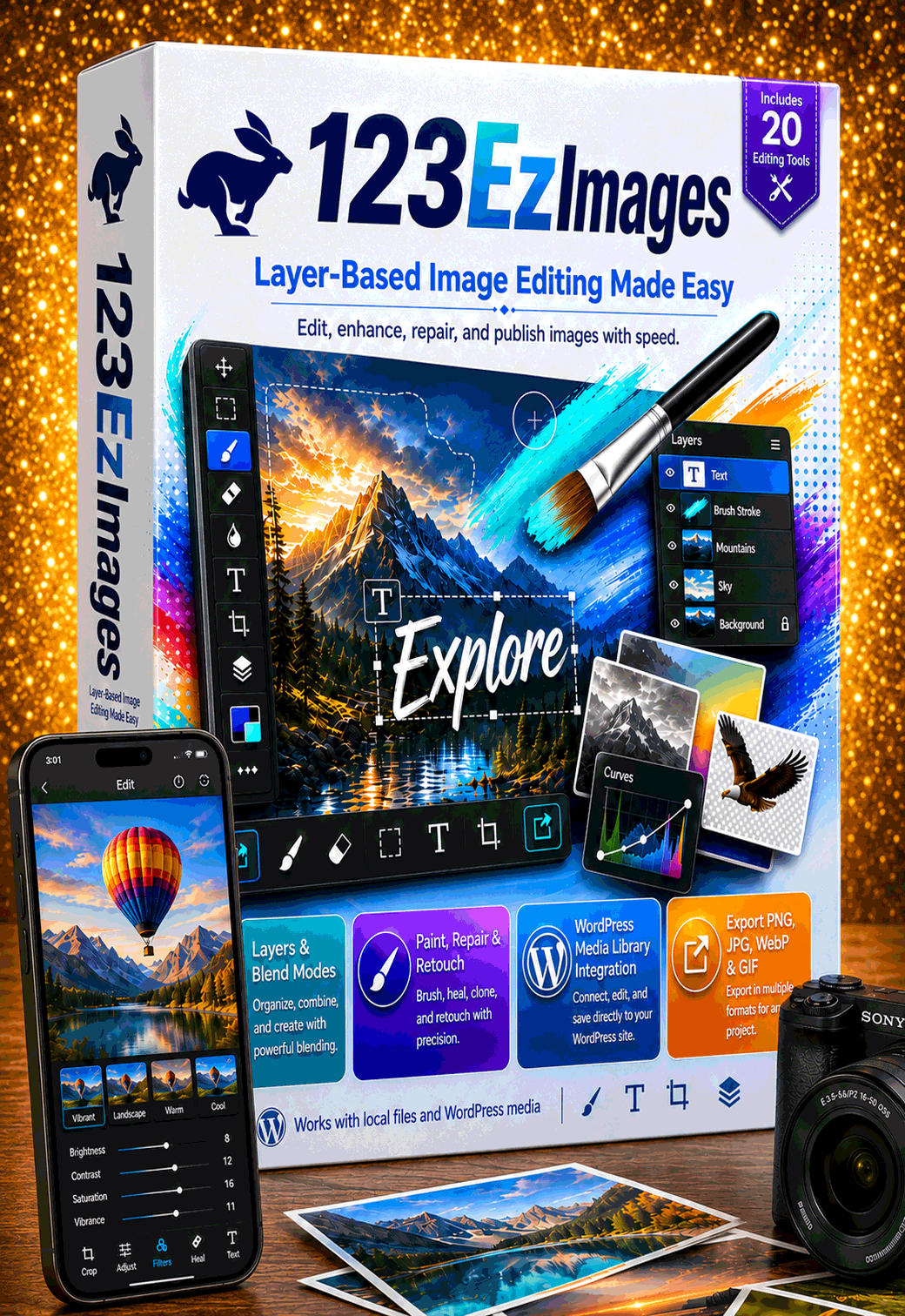
Open local files or WordPress media, work with real layers, repair problem areas, add text and effects, then publish finished images without leaving your browser.
The form is presentation-ready and intentionally has no backend processing attached.
123EzImages combines layer-based editing, photographic repair tools and direct WordPress publishing in one connected workspace.
Add, reorder, hide, merge and flatten layers. Adjust opacity and combine content with 16 blend modes including Multiply, Screen and Overlay.
Use brush, eraser, fill, clone stamp, heal brush and dodge/burn tools to correct defects and improve photographs with precision.
Select with rectangle, lasso, outline capture or magic wand, then crop, move, resize, rotate, flip, skew or place content on a new layer.
Add editable text layers, emojis, lines, shapes and gradients. Apply brightness, contrast, saturation and 12 practical image filters.
Browse your WordPress Media Library, open images for editing and save the finished result directly back to the connected website.
Export PNG, JPEG, WebP or GIF with custom dimensions, quality settings, transparency support and convenient size presets.
Work with local files, pasted images or WordPress media. Every image tab keeps its own canvas, layers, selections and history.
Choose local files, drag and drop, paste from the clipboard, browse WordPress media or create a blank canvas from a preset.
Build the composition non-destructively with independent layers, floating selections, shapes, text and transform controls.
Correct blemishes with clone and heal tools, improve local exposure with dodge/burn and refine color with adjustments and filters.
Choose the final format, dimensions and quality, then download the image, save it to WordPress or do both at once.
Keep local image work, WordPress media and the 123Ez creative suite connected instead of passing files through disconnected tools.
Search and browse site media, open images for editing, review file information and upload finished assets directly to WordPress.
Open 123EzImages inside the page editor, edit an image for a content block and return the finished PNG with its dimensions intact.
Open several computer files at once, drag images into the workspace or paste directly from the system clipboard into a new tab.
123EzImages gives businesses a practical layer editor, repair workspace and WordPress publishing path in one easy-to-use application.