Visual Badge Builder
Create sale badges, ribbons, tags, starbursts, banners, pills and transparent graphic overlays with live visual feedback.
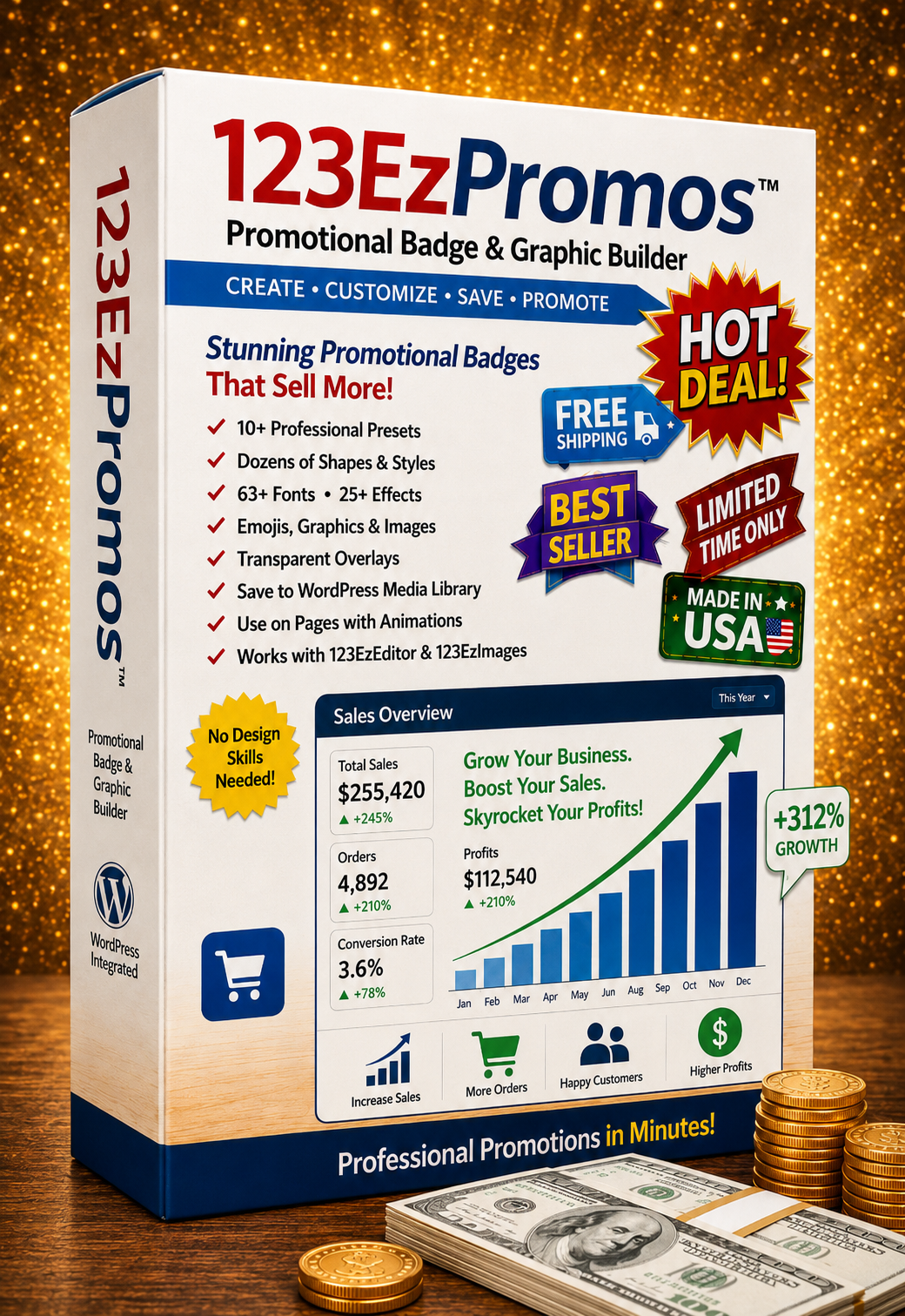
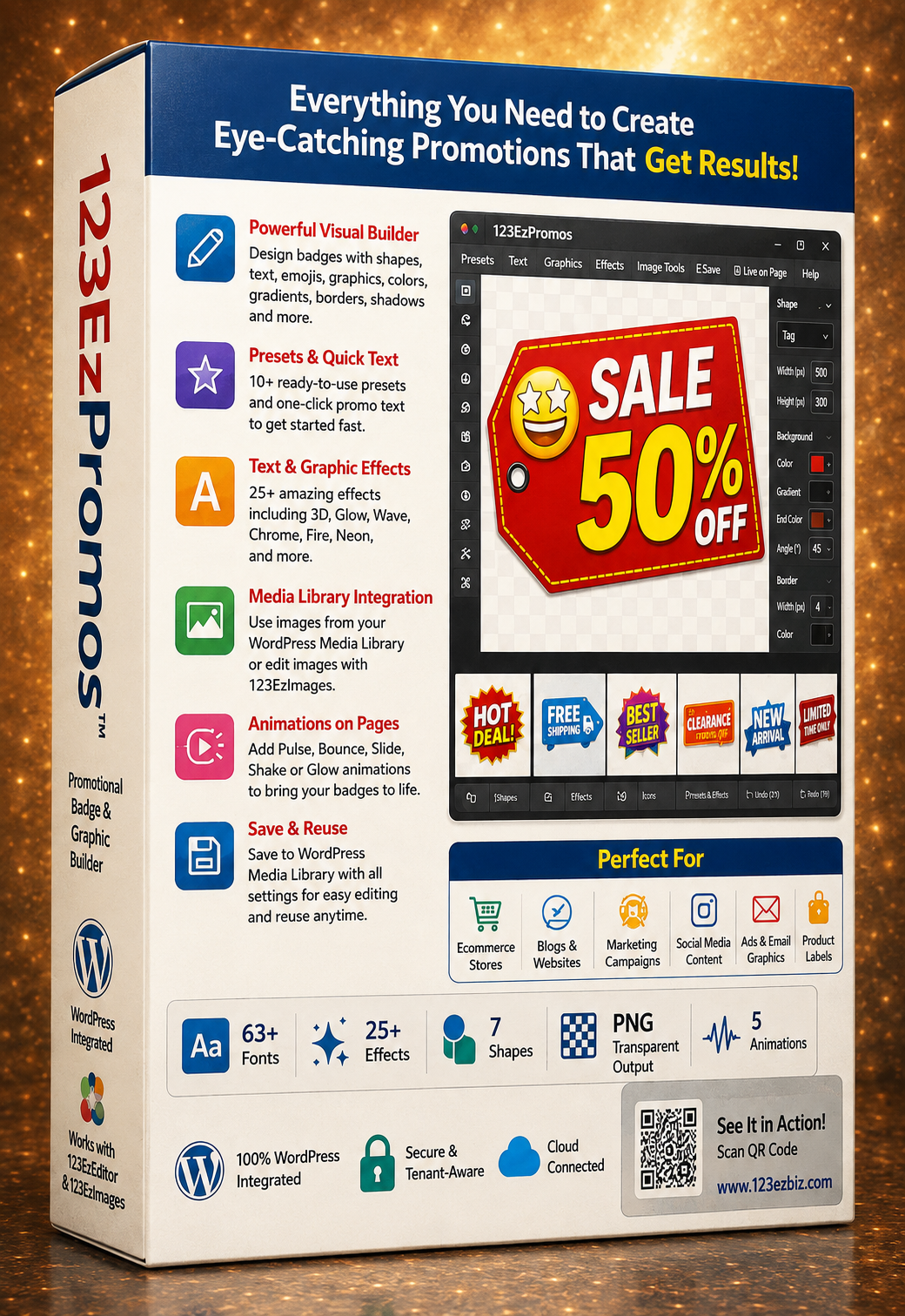
Build polished sale badges, product labels, transparent overlays and animated promotional graphics—then save them directly to WordPress and use them throughout your website.
The form is presentation-ready and intentionally has no backend processing attached.
123EzPromos combines an easy visual builder with the tools businesses need to produce consistent, professional promotions quickly.
Create sale badges, ribbons, tags, starbursts, banners, pills and transparent graphic overlays with live visual feedback.
Control primary text and two supporting lines independently with fonts, sizes, outlines, shadows, curves, rotation and positioning.
Add glow, chrome, wave, 3D depth, neon, sticker, shadow, emboss, tilt, vintage and other attention-grabbing treatments.
Use emojis and symbols, add a second independent graphic, or choose images directly from your WordPress Media Library.
Upload the finished PNG to WordPress while preserving the editable source settings so designs can be reopened and reused.
Bring promotions to life with pulse, bounce, slide, shake or glow animations and control the playback speed for each design.
Start from a preset or build your own promotion, then move it into your WordPress marketing workflow without rebuilding the design elsewhere.
Select one of 10 promotional presets or begin with a custom shape or transparent overlay.
Edit text, colors, fonts, graphics, effects, shadows, borders, gradients and dimensions in the live builder.
Open graphics in 123EzImages for advanced editing, then return the completed image directly to your promotion.
Save the PNG and editable source to WordPress, place it on a page in 123EzEditor and add optional animation.
Move assets between the tools you already use without losing your source design or starting over.
Browse existing media, use WordPress images in your designs, save finished promotions and reopen editable source data later.
Send graphics into the full image editor for cropping, repair, filters and advanced adjustments, then bring them back into the badge.
Place a completed promotion on a page with alignment, sizing, padding and animation settings already connected to the design.
123EzPromos gives businesses a faster way to create reusable promotional graphics without leaving the WordPress workflow.